Everything stays in one package.
3D models, product images, videos, copy, notes, instructions, source links, and reference files stay attached to the same project.
A local workspace for real project files
MakerHoard is not just a 3D viewer. It is a project-file operating system for makers, sellers, and asset-heavy work.
The difference
3D models, product images, videos, copy, notes, instructions, source links, and reference files stay attached to the same project.
The right panel becomes the right module for the selected material: 3D, image, video, audio, PDF, spreadsheet, text, or commerce pack.
Original files are meant to leave the library when you need them: into a slicer, folder, listing workflow, or conversation.
The system is designed around modules, Agent actions, and plugins so new file types and workflows can be added without rebuilding the whole app.
The workspace
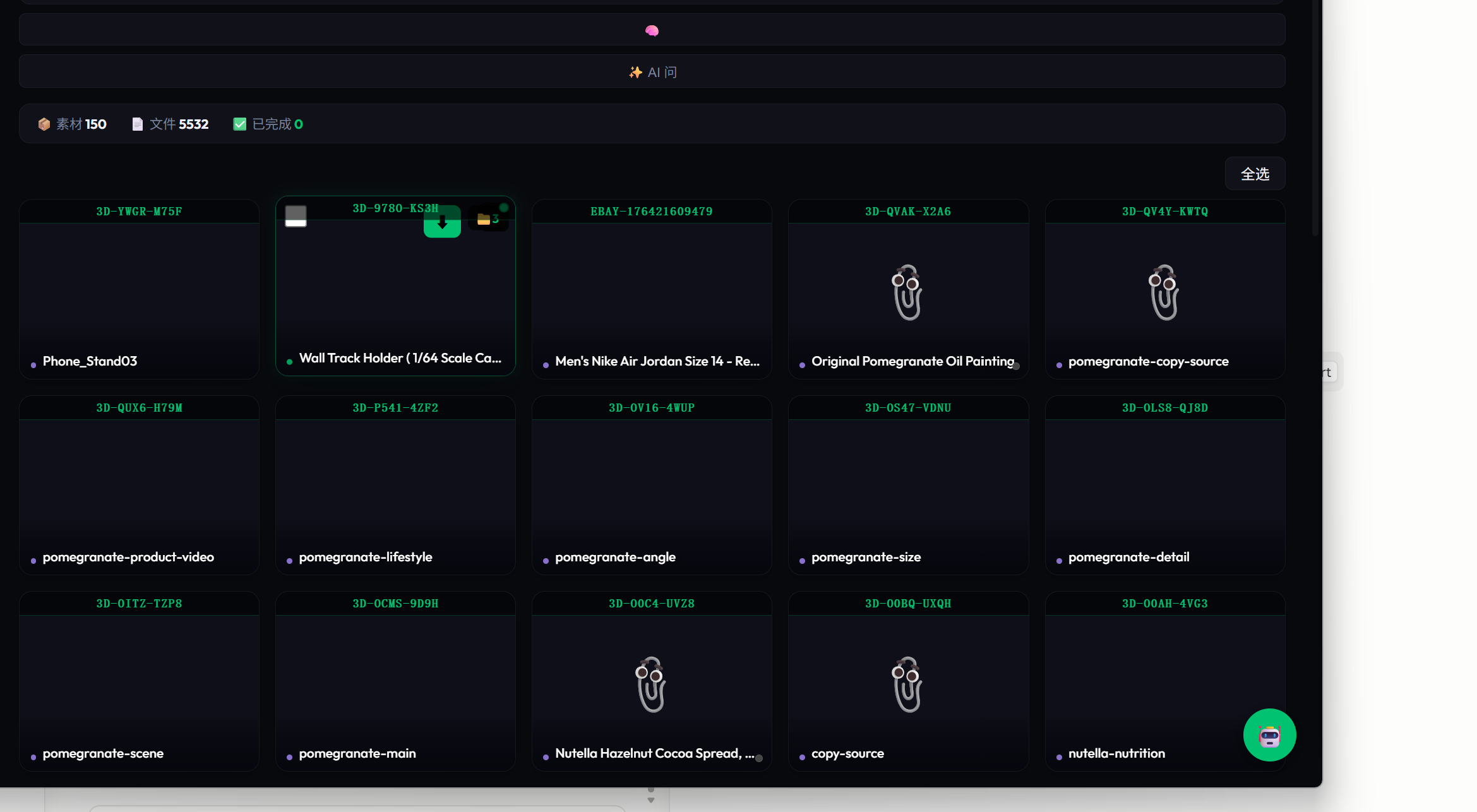
Projects, imports, tags, source libraries, and model assets all live in one place. This is the desktop build, not a concept drawing.
The idea
A 3D project can include STL and 3MF files, reference images, print photos, instructions, and video. A commerce project can hold title, images, price, description, attributes, videos, and source links. MakerHoard is built around that complete package.
What MakerHoard does
These capabilities are based on the current Haul/MakerHoard codebase. Some are already usable in the local desktop build, while the Agent and commerce workflows are still being tightened for beta.
Browse projects, tags, smart views, colors, history, trash, and local source files from one desktop workspace.
Keep model files, images, notes, source links, and related files together instead of scattering them into separate cards.
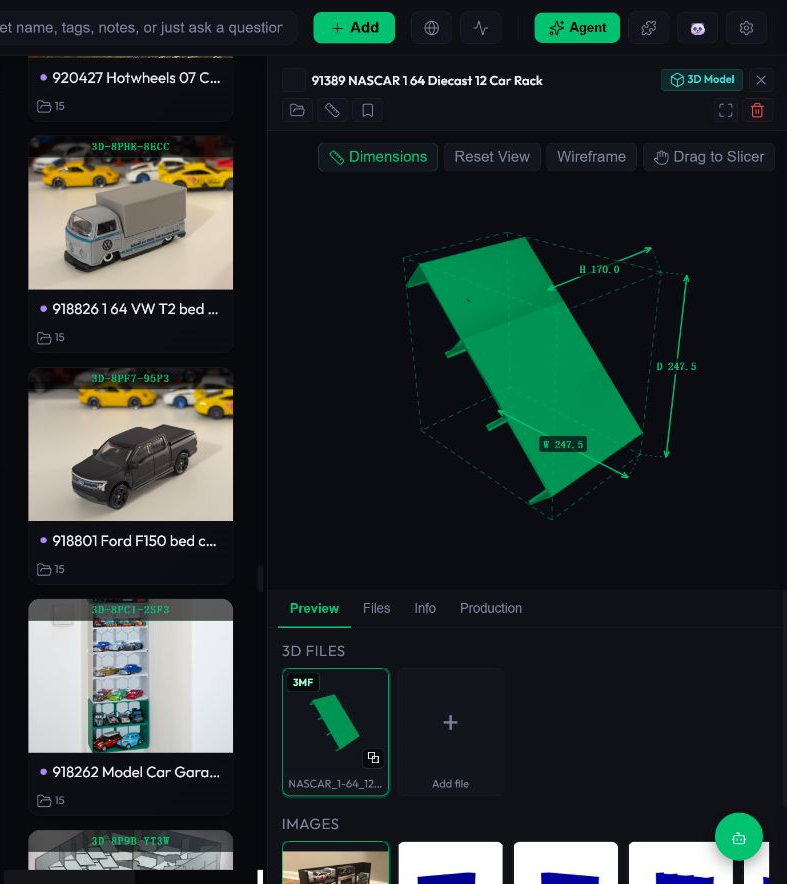
Preview 3D assets with model canvas, dimensions, file thumbnails, image references, and drag-to-slicer behavior.
Handle images, videos, audio, PDFs, text, spreadsheets, SVG, PSD, EXR, G-code thumbnails, and common CAD/mesh formats.
Use files outside the app: drag or copy originals into folders, slicers, listing tools, or conversations where supported.
Collect from MakerWorld and other model sources, with code paths for Printables, Thingiverse, MyMiniFactory, and Sketchfab.
Build product packages with titles, images, price, description, attributes, videos, source links, and reusable listing files.
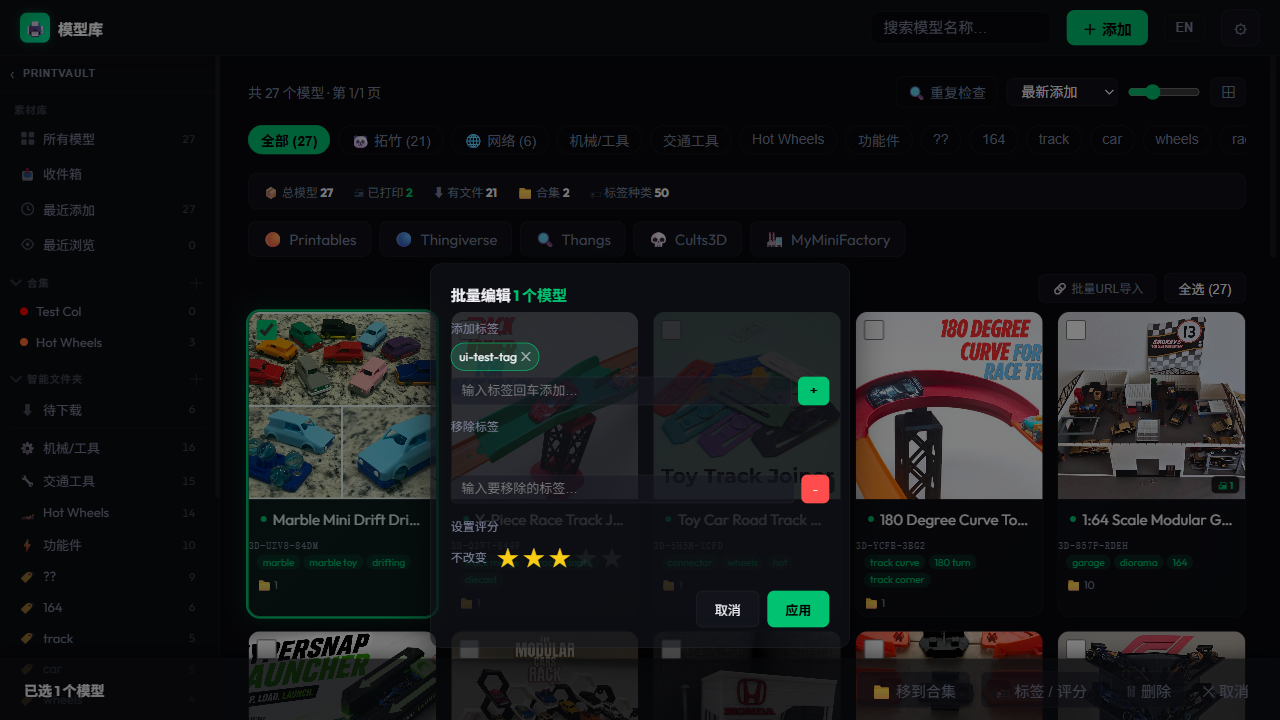
Select many assets and apply shared metadata, tags, project moves, ratings, cleanup, duplicate checks, and maintenance tasks.
Natural-language search, semantic indexing, tool permissions, workflows, memory, and plugin storage are present but still being hardened.
Project packages
Importing should not spread a project into loose cards. A project package is the unit you browse, select, open, move, and share.
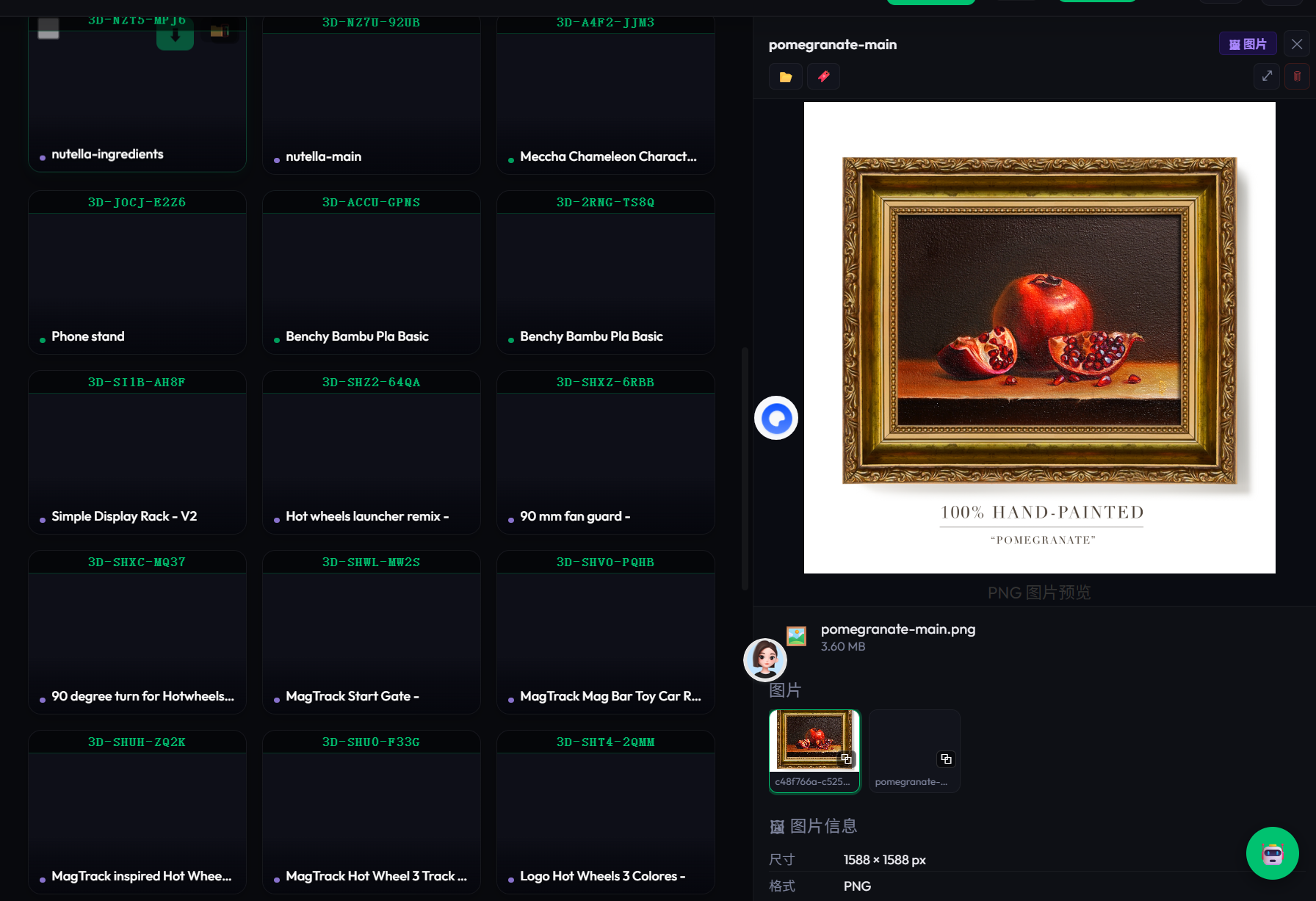
Preview modules
The right panel is not a generic information dump. It becomes the right tool for the selected image, model, video, product pack, document, or sheet.
Organize
When a collection needs the same tag, rating, or edit, batch actions reduce repetition. This is an existing development screen, and the interaction is still being refined for the beta.
Designed for actual work
Your library and source files stay on your machine. Cloud features should be optional, visible, and under your control.
Copy or drag originals into a folder, listing tool, or conversation. No locked-in assets and no mystery duplicates.
3D, ecommerce, images, video, PDFs, and spreadsheets each get focused preview and action modules.
Feedback and bug reports
Early feedback is most useful when it includes the task you were trying to finish, what happened, and what you expected instead. Screenshots, app version, Windows version, and a small sample file help us fix bugs faster.
Best for crashes, preview failures, import problems, slow 3D thumbnails, drag/copy issues, and broken file handling.
Feature requestTell us which repeated task should take fewer steps: organizing, previewing, listing, exporting, or preparing files.
Beta feedbackUseful for general product feedback, onboarding friction, missing modules, unclear wording, and beta rollout expectations.
Windows beta
MakerHoard Beta is an early Windows test build. It is free to try, still changing, and not ready for paid production use. Direct downloads will open after update hosting is enabled.
Request Windows beta →Send beta feedback →Windows x64 · local-first library · beta version 0.1.0-beta.1